You can download any YouTube thumbnail in HD in under 10 seconds — for free, with no account required. All you need is the video URL. This guide shows you exactly how to do it and explains what each resolution option means so you always save the right quality.
Whether you're a creator doing thumbnail research, a marketer pulling assets for a campaign, or just saving a thumbnail for personal reference, our free YouTube thumbnail downloader gives you every available resolution in one click.
How to Download a YouTube Thumbnail in HD: Step by Step
The process takes about 10 seconds. Here's how to do it:
-
1Open the YouTube video you want to grab the thumbnail from. Copy the URL from your browser's address bar — it will look like
https://youtu.be/abc123orhttps://www.youtube.com/watch?v=abc123. -
2Go to getyoutubethumbnaildownloader.com and paste the URL into the input field at the top of the page.
-
3Click "Grab Thumbnails" (or press Enter). The tool will instantly load all available thumbnail resolutions for that video.
-
4Choose your resolution. For the highest quality, click Download under the "Max Resolution" card (1280×720). If Max isn't available for that video, pick SD (640×480) as the next best option.
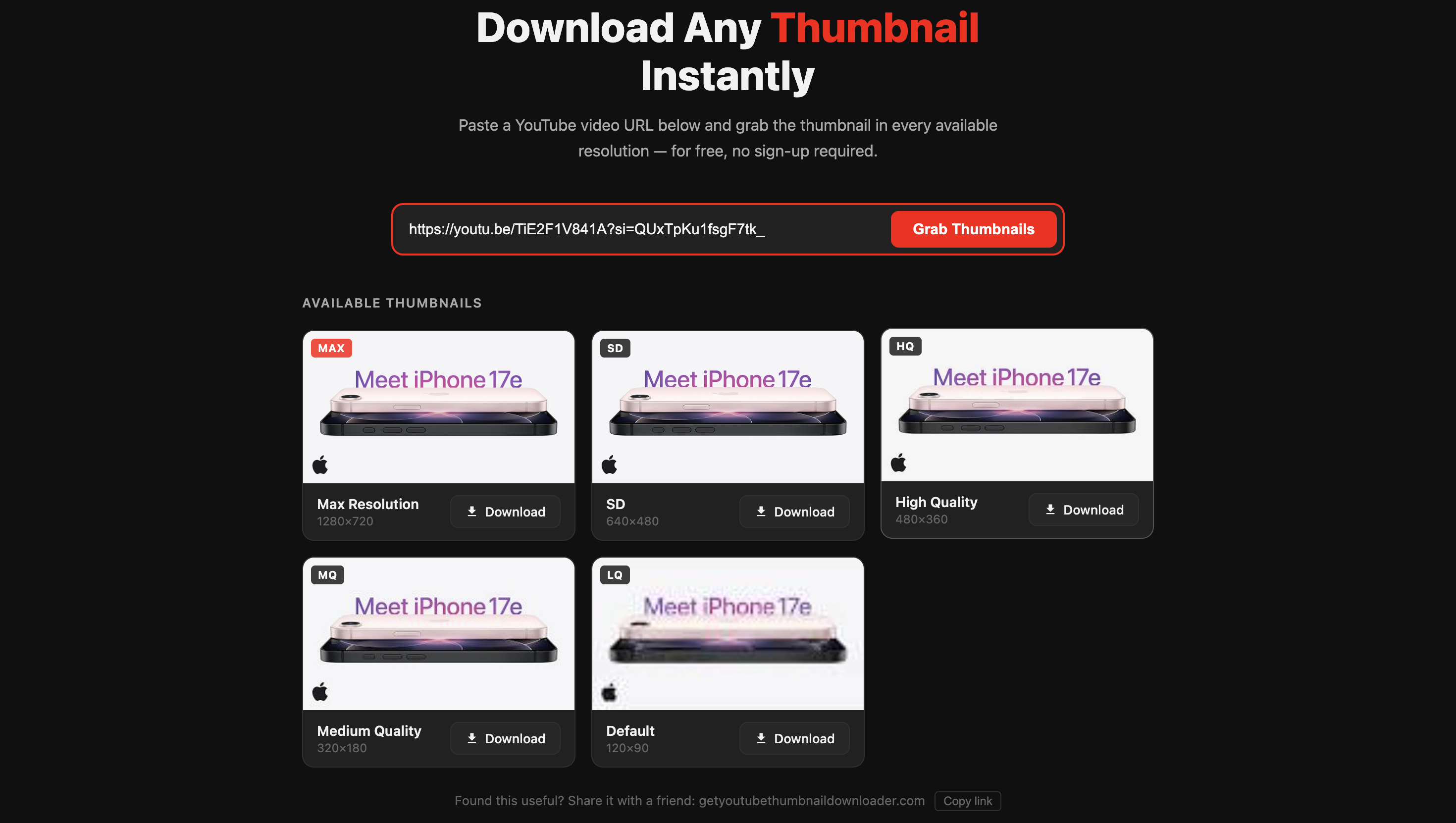
All five thumbnail resolutions shown side-by-side — pick the one that suits your use case
Which Resolution Should You Download?
When you grab a thumbnail, you'll see up to five resolution options. Here's what each one means and when to use it:
| Label | Resolution | Best For |
|---|---|---|
| Max HD | 1280×720 | Design work, blog embeds, high-res reference |
| SD | 640×480 | Social sharing, general reference |
| HQ | 480×360 | Gallery previews, smaller embeds |
| MQ | 320×180 | Mobile displays, speed-optimized pages |
| LQ / Default | 120×90 | Sitemaps, content catalogs, tiny placeholders |
In most cases, you want Max HD (1280×720). It's the same resolution the creator uploaded and what YouTube displays on desktop. If you're comparing thumbnails across videos in your niche, always download at Max HD so you're comparing like-for-like.
For a full breakdown of what each resolution looks like and when YouTube generates each one, see our complete guide to YouTube thumbnail sizes.
Clicking Download: What Happens Next
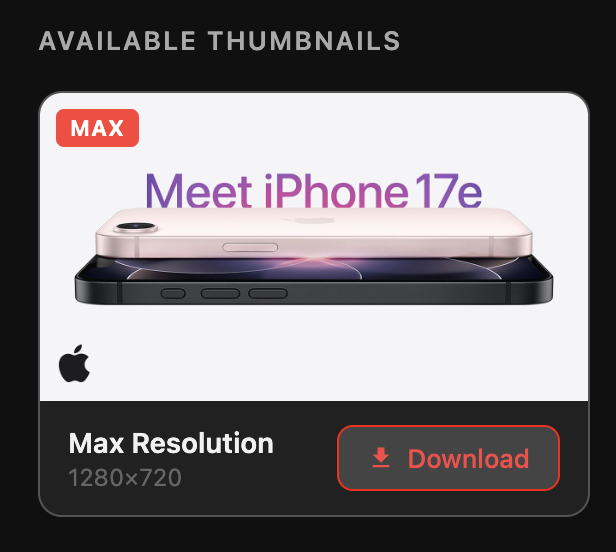
Click Download on the Max Resolution card to save the thumbnail at full 1280×720 HD quality
When you click the Download button, you save the YouTube thumbnail directly to your device as a .jpg file. There's no redirect, no popup, and no account to create. The file comes straight from YouTube's CDN — the same server that delivers it to every YouTube viewer.
Why Max HD Isn't Always Available
You might notice that some videos don't have the Max HD (1280×720) option — the card will be greyed out or missing. This happens because the Max HD thumbnail only exists when the video creator manually uploaded a custom thumbnail at HD resolution.
Older videos, auto-generated thumbnails, and some low-traffic channels may only have the SD, HQ, MQ, and LQ versions. In those cases, SD (640×480) is your best option — it's still a solid quality for most uses.
What Can You Do With a Downloaded Thumbnail?
People download YouTube thumbnails for a lot of different reasons:
Competitive research. Studying what thumbnails perform well in your niche is one of the fastest ways to improve your own. Download the top 10 thumbnails from your competitor's channel, lay them side-by-side, and look for patterns — color schemes, face placement, font style, and text length.
Inspiration for your own designs. If a thumbnail stops you mid-scroll, download it and take it apart. What makes it work? Is it the contrast? The expression? The text size? Use those insights to inform your next design — don't copy, understand.
Backup your own thumbnails. YouTube doesn't give you an easy way to re-download thumbnails you've already uploaded. Paste your own video URL into our YouTube thumbnail downloader to grab a local copy for your archives.
Blog and article embeds. When writing about a specific YouTube video, downloading its thumbnail is the cleanest way to get a relevant, high-resolution image for your post.
Is It Legal to Download YouTube Thumbnails?
YouTube thumbnails are publicly accessible images — they load on every YouTube page without any login. Downloading them for personal use, research, or reference is generally fine. A YouTube thumbnail downloader like ours fetches the image directly from YouTube's servers — nothing is stored or uploaded on our end.
Where it gets complicated is reuse. If you take a creator's thumbnail and republish it as your own content — in an article, on social media, or in a video — that can infringe on their copyright. The safest rule: use downloaded thumbnails for analysis and reference, not as assets you publish under your own name.