
If you want to download a high quality youtube thumbnail — whether for design work, research, or archiving — understanding YouTube’s resolution tiers is the first step. Despite YouTube hosting 4K videos, thumbnails themselves are not actually stored in 4K. The official thumbnail spec, as documented in YouTube’s Help Center, tops out at 1280×720. Here’s the full picture of what’s available and how to get the highest quality version for any video in 2026.
Key Takeaways
- YouTube thumbnails max out at 1280×720 pixels — there is no 4K thumbnail
- The highest quality tier is called
maxresdefault(1280×720, 72 DPI) - Not every video has a
maxresdefaultthumbnail — older and lower-traffic videos often only havehqdefault - The direct URL pattern
img.youtube.com/vi/{ID}/maxresdefault.jpggives you the best available image - A thumbnail downloader tool automatically finds and serves the highest available quality
Does YouTube Have 4K Thumbnails?
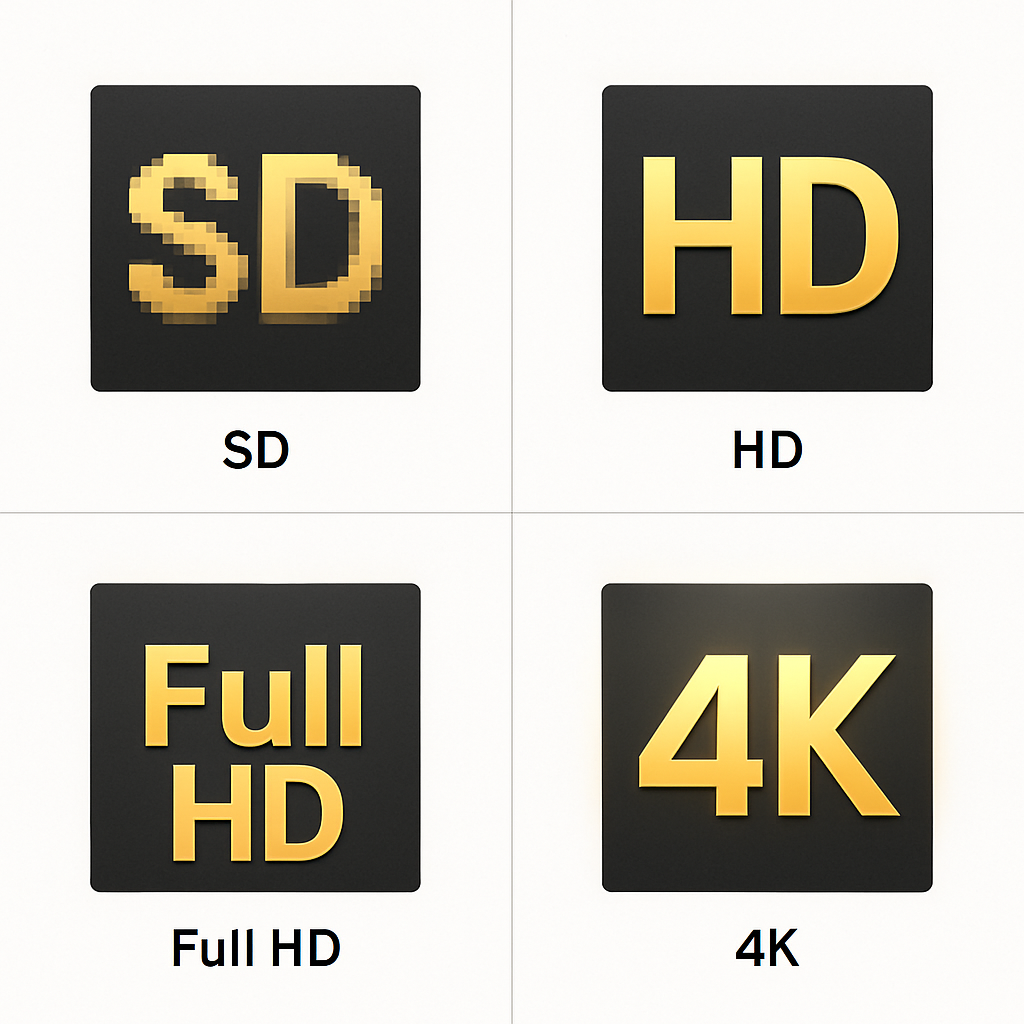
The short answer: no. Even though YouTube supports 4K video playback, the thumbnail images stored on YouTube’s CDN only go up to 1280×720 pixels. There are no 2160p (4K) or 1080p thumbnail options.
The maxresdefault.jpg name can be misleading — “max resolution” refers to the maximum within YouTube’s thumbnail system, not 4K or even full 1080p.
YouTube Thumbnail Resolution Tiers Explained
YouTube stores thumbnails in five standard resolutions:
| File Name | Resolution | Dimensions | Notes |
|---|---|---|---|
maxresdefault.jpg | HD | 1280×720 | Best available; not always present |
hqdefault.jpg | High Quality | 480×360 | Always available for every video |
sddefault.jpg | Standard | 640×480 | Available for most videos |
mqdefault.jpg | Medium | 320×180 | Lower resolution preview |
default.jpg | Low | 120×90 | Tiny; used in legacy contexts |
There’s also a set of numbered thumbnails (1.jpg, 2.jpg, 3.jpg) which are auto-generated frames from the video — these are usually 120×90 and are not the custom thumbnail.
How to Get the maxresdefault YouTube Thumbnail
Using the downloader (recommended):
- Copy the YouTube video URL.
- Go to getyoutubethumbnaildownloader.com.
- Paste and click Grab Thumbnails.
- The tool shows all available resolutions — select “Max Resolution” or “1280×720.”
- Download.
Direct URL method:
Replace {VIDEO_ID} with the actual ID:
https://img.youtube.com/vi/{VIDEO_ID}/maxresdefault.jpg
If this URL returns a small black 120×90 placeholder, maxresdefault is not available for that video. Fall back to hqdefault:
https://img.youtube.com/vi/{VIDEO_ID}/hqdefault.jpg
Why maxresdefault Isn’t Always Available
YouTube only generates a maxresdefault.jpg thumbnail for videos that meet certain criteria:
- Videos uploaded more recently (post-2015 videos are more likely to have it)
- Videos with higher viewership or engagement
- Videos where the uploader manually set a custom thumbnail
- Videos uploaded from desktop (mobile-only uploads sometimes skip this tier)
For older videos or smaller channels, hqdefault.jpg at 480×360 is often the highest available quality.
The Relationship Between youtube thumbnail hd download and Video Quality
There’s no direct link between a video’s playback resolution and its thumbnail quality. A 4K video can have a thumbnail that only resolves at 480×360, while a 360p video might have a full 1280×720 thumbnail if the creator uploaded a custom image.
The thumbnail is a separate image asset from the video — it’s whatever the creator uploaded (up to YouTube’s cap of 1280×720) or whatever frame YouTube auto-selected.
youtube thumbnail 4k: What About Embed Thumbnails?
When you embed a YouTube video on a website, the embed player shows the video’s thumbnail as the preview image. Embeds request hqdefault by default for performance reasons, even if maxresdefault exists. This is a bandwidth optimization on YouTube’s part — the same kind of trade-off Google Search Central documents for image-heavy pages.
Getting Higher Apparent Quality: Upscaling Considerations
If you need a larger image than 1280×720 for a specific use case (like print or large-format display), you’ll need to upscale the thumbnail after downloading. The web.dev images learning path is a useful primer on when upscaling helps and when it just adds file size. Tools like:
- Adobe Photoshop (Content-Aware Upscale)
- Topaz Gigapixel AI (AI upscaling)
- Canva (basic resize)
- GIMP (free, open source)
…can all upscale a 1280×720 image, but the result depends heavily on the original image quality. AI-based upscalers tend to produce the best results.
Checking What’s Available Before Downloading
The best approach is to let the downloader tool show you what exists before committing. The YouTube Thumbnail Downloader automatically checks which resolution tiers are available for each video and displays them in order. You see what’s actually there — not what you assume should be there.
This is especially useful for:
- Older videos (where maxresdefault might be missing)
- YouTube Shorts (which rarely have maxresdefault)
- Low-traffic niche videos
Conclusion
YouTube’s maximum thumbnail resolution is 1280×720 pixels — there is no 4K option. The maxresdefault.jpg quality level gives you the best available image, but it’s not present for every video. The thumbnail downloader makes it easy to see and grab the highest available quality without guessing. For a deeper look at thumbnail specifications, check the complete YouTube thumbnail size guide.