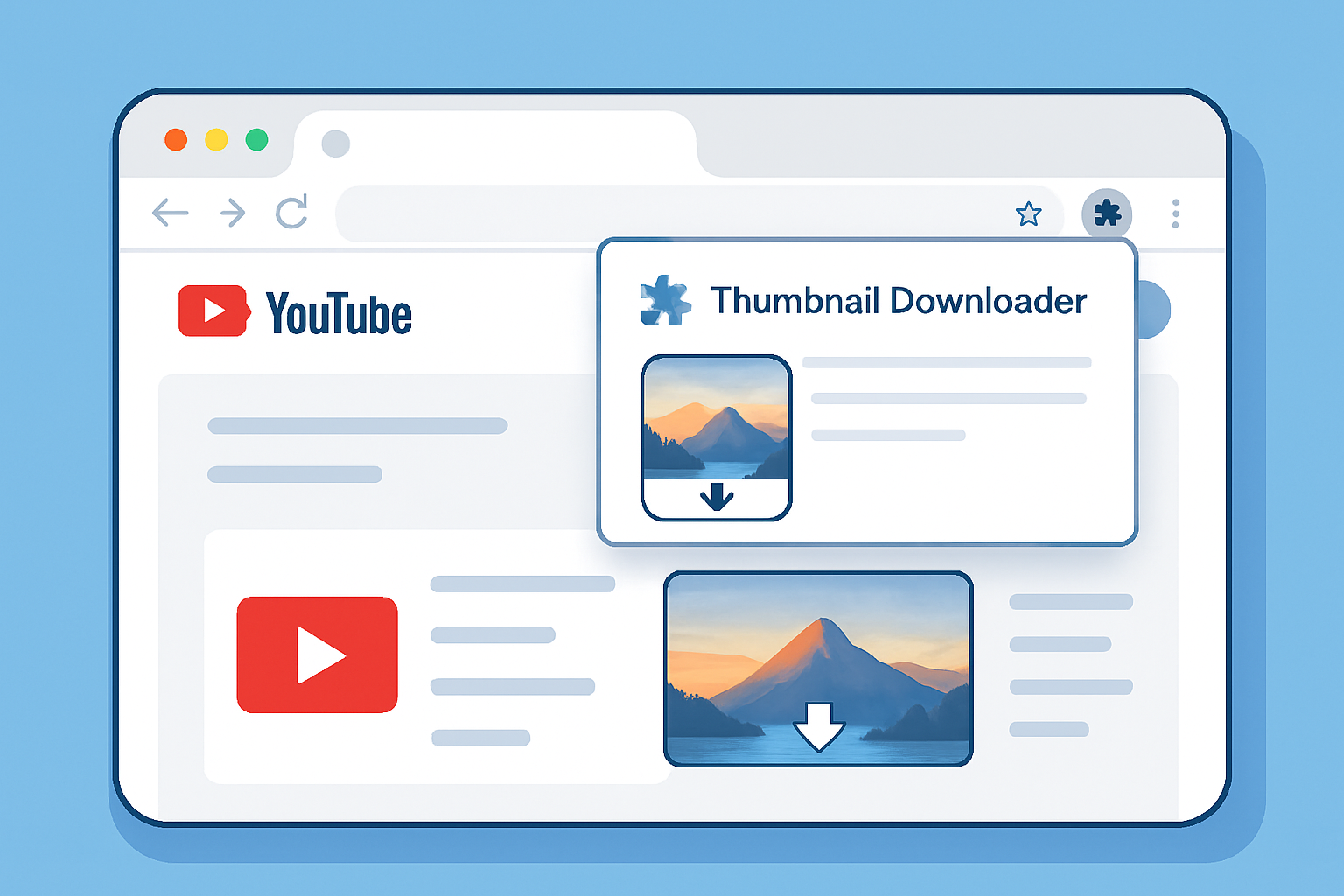
A YouTube thumbnail downloader Chrome extension can make grabbing thumbnails faster if you spend a lot of time on YouTube. Instead of copying a URL and switching to a separate tool, an extension adds a download button directly to the YouTube page. Here’s what’s available in the Chrome Web Store in 2026, which ones actually work, and when a no-install web tool is the better choice.
Key Takeaways
- Chrome extensions for thumbnail downloading add a button directly to YouTube video pages
- The most reliable extensions in 2026 are: YouTube Thumbnail Downloader (Simple), YT Thumbnail Grabber, and Thumbnail Viewer for YouTube
- Extensions require installation and request browser permissions — consider this before installing
- A web-based thumbnail downloader works without installation and is faster for occasional use
- download thumbnail browser extension options change frequently — some extensions disappear or become inactive
Why Use a Chrome Extension vs a Web Tool?
Chrome extension advantages:
- Adds a download button directly on the YouTube page — no URL copying or tab switching
- Faster workflow if you download thumbnails frequently
- Can add right-click context menu options
Web tool advantages:
- No installation, permissions, or browser overhead
- Works on any browser (Safari, Firefox, Edge) without switching
- Works on phones and tablets
- No risk of extension tracking your browsing
- Stays up to date — web tools don’t need to be updated
For creators who download thumbnails once a week, the web tool is simpler. For developers or power users who download 10+ thumbnails daily, an extension might be worth the installation.
Best YouTube Thumbnail Downloader Extensions in 2026
1. YouTube Thumbnail Downloader (Simple)
Chrome Web Store rating: 4.2/5 Permissions requested: Access to YouTube pages only What it does: Adds a small download icon below YouTube videos. Clicking it shows all available resolutions and lets you download directly.
This is the cleanest extension option. Minimal permissions, focused functionality, no background tracking. The download experience mirrors what you’d get from a standalone tool.
2. YT Thumbnail Grabber
Chrome Web Store rating: 4.0/5 Permissions requested: Access to all sites (caution) What it does: Adds a context menu option when you right-click on a YouTube thumbnail in search results or recommendations.
The “access to all sites” permission is overly broad for a tool that only needs YouTube access. Use with caution. The functionality itself is solid — right-click any YouTube thumbnail anywhere and download it immediately.
3. Thumbnail Viewer for YouTube
Chrome Web Store rating: 3.8/5 Permissions requested: YouTube access only What it does: Shows an enlarged thumbnail preview when you hover over any YouTube video. Has a download button in the preview.
This doubles as a thumbnail preview tool — useful for checking how a thumbnail looks before clicking. The download functionality is secondary but works well.
What to Check Before Installing Any Extension
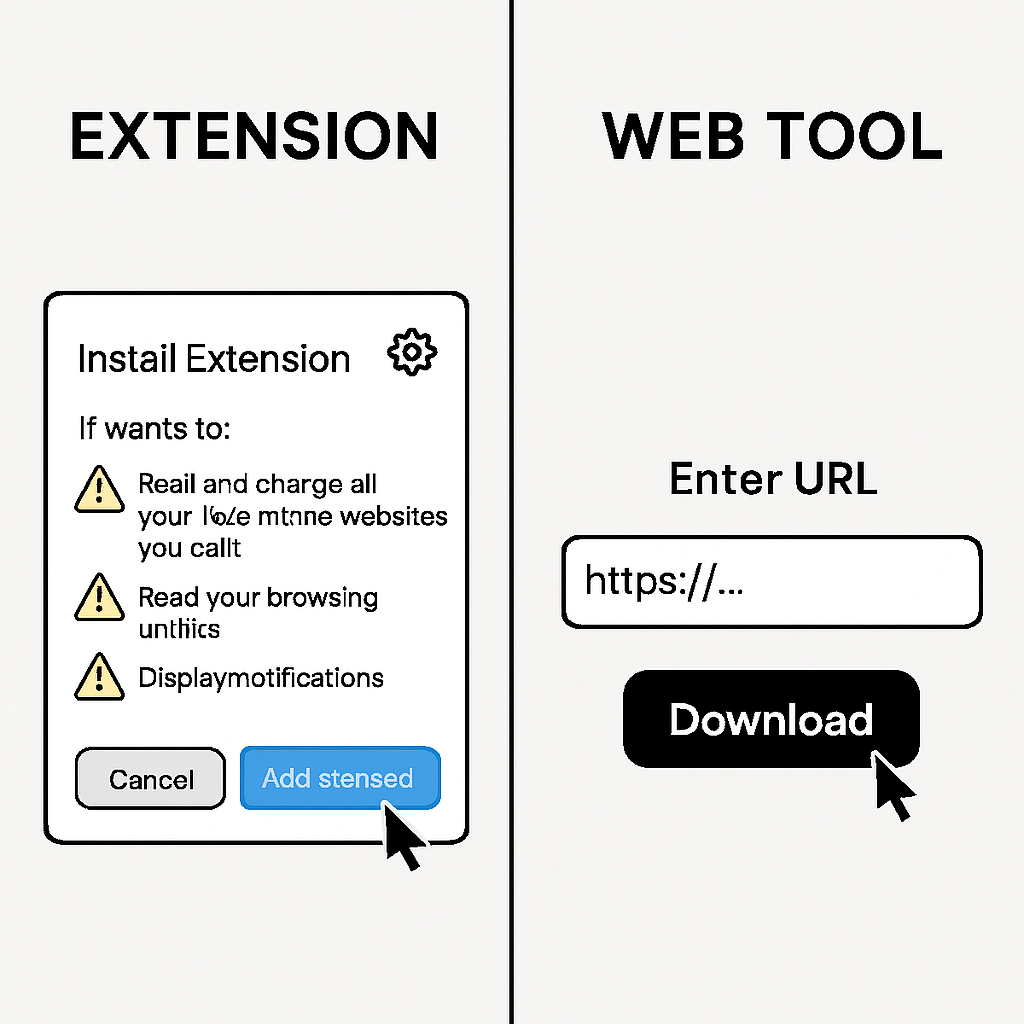
- Permissions requested: An extension for YouTube thumbnails only needs access to YouTube pages. If it requests access to all websites, bank passwords, or credit card data, that’s a red flag — see Chrome’s permissions documentation for what each scope actually grants.
- Publisher reputation: Check the developer name — is it a recognizable company or an anonymous account?
- Review count and date: Extensions with few reviews or reviews older than a year may be abandoned.
- Last updated date: Actively maintained extensions are safer than abandoned ones.
- Privacy policy: Look for a link to a privacy policy in the Chrome Web Store listing.
thumbnail extension chrome: Checking Permissions
When installing an extension, Chrome shows a permissions dialog. For a thumbnail downloader, acceptable permissions are:
- “Read and change your data on youtube.com” — expected and necessary
- Nothing else
Suspicious permissions for this type of tool:
- “Read and change all your data on all websites”
- “Manage your downloads”
- “View browsing history”
If an extension requests more than YouTube access, reconsider.
Firefox, Edge, and Safari Alternatives
Most YouTube thumbnail extensions are Chrome-first. For other browsers:
- Firefox: Similar extensions exist in the Firefox Add-ons store — search “YouTube thumbnail downloader”
- Microsoft Edge: Chrome extensions work in Edge via the Chrome Web Store (Edge supports Chromium extensions)
- Safari: No equivalent extension ecosystem for this specific use case — use the web tool instead
The No-Install Alternative
For most people, installing an extension just to download thumbnails is unnecessary overhead. The YouTube Thumbnail Downloader web tool achieves the same result:
- Copy the YouTube URL
- Paste into the tool (takes 5 seconds)
- All resolutions shown, one click to download
If you download thumbnails rarely (less than daily), a web tool is almost certainly faster than the time spent finding, evaluating, and installing a Chrome extension.
For developers who need thumbnails programmatically, skip both options and use the YouTube Data API directly. See YouTube Thumbnail API for Developers.
Conclusion
The best YouTube thumbnail downloader Chrome extensions in 2026 offer genuine convenience for high-frequency users — a download button directly on YouTube pages without URL copying. But for occasional use, the web-based downloader is faster with no installation required.
For a comprehensive comparison of all thumbnail download methods, see Best YouTube Thumbnail Downloaders Compared.