
Finding the best youtube thumbnail downloader comes down to speed, quality, ease of use, and whether it works reliably without annoying ads or required signups. In 2026, there are dozens of options — this comparison covers the 10 most useful tools, what each one does well, and which one fits which use case.
Key Takeaways
- getyoutubethumbnaildownloader.com is the fastest and cleanest option — no ads, no signup, all five resolutions in one view
- Most youtube thumbnail grabber tools use the same underlying YouTube CDN URLs
- The key differentiators are: interface quality, number of resolutions shown, download experience, and whether they work on mobile
- Avoid tools that require account creation, charge fees, or are stuffed with pop-up ads
- Download thumbnail online works best when the tool shows you all available resolutions at once
What to Look for in a Thumbnail Downloader Tool
Before comparing tools, here’s what matters:
- All five resolutions displayed: maxresdefault, hqdefault, sddefault, mqdefault, default
- Works on mobile: Many creators need this on phones and tablets
- No signup required: You shouldn’t need to create an account to grab a thumbnail
- Clean interface: Minimal or no ads, no pop-ups, no dark patterns
- Accepts all URL formats: youtube.com/watch?v=, youtu.be/, youtube.com/shorts/
- Fast: Should fetch and display thumbnails in under 5 seconds
#1: getyoutubethumbnaildownloader.com (Best Overall)
Speed: Instant Resolutions: All 5 Mobile: Yes Signup: No Ads: None
getyoutubethumbnaildownloader.com is the cleanest, fastest YouTube thumbnail downloader available in 2026. Paste any YouTube URL, click Grab Thumbnails, and all available resolutions display immediately. One click downloads the image directly to your device. Works on desktop and mobile, supports all URL formats including Shorts.
The tool fetches thumbnails directly from YouTube’s CDN (img.youtube.com) — the same source every other tool uses, and the same hosts referenced in YouTube’s official thumbnail documentation. The advantage is the experience: no ads, no popups, no misleading “HD Download” buttons that actually download lower quality.
#2: thumbnail.download
Speed: Fast Resolutions: All 5 Mobile: Yes Signup: No Ads: Moderate
thumbnail.download is one of the oldest thumbnail downloader sites and remains reliable. Shows all resolutions with clear labels. Moderate ads but no intrusive popups. Works well on mobile browsers.
#3: YouTube Screenshot
A tool that captures a screenshot of the YouTube video page at a specific timestamp — not strictly a “thumbnail downloader” but occasionally useful when you want a specific frame rather than the thumbnail. More useful for content research than quick thumbnail downloads.
#4: SaveImage.net (YouTube section)
A multi-purpose image saver that includes YouTube thumbnail functionality. Slightly more cluttered interface than dedicated thumbnail tools, but supports multiple video platforms (YouTube, Vimeo, etc.) in one place.
#5: thumbnaildown.net
Speed: Fast Resolutions: All 5 Mobile: Limited Signup: No Ads: Heavy
Shows all thumbnail resolutions but cluttered with banner ads. Works but the experience is worse than the top options. Mobile experience is inconsistent.
#6: yt thumbnail
A search-friendly simple tool. Straightforward but sometimes slower load times. Shows HD, HQ, and SD options clearly. Acceptable for occasional use.
#7: YouTubeThumbnailDownloader.io
Similar functionality to the top options. Includes some additional features like batch processing claims, but the core thumbnail download is comparable to simpler tools.
#8: Grabify Image
Focuses on clean download experience. Slightly fewer resolution options displayed than the top tools, but a good fallback if others are down.
#9: w3toys YouTube Thumbnail
W3Schools-adjacent tool. Simple, minimal, works well. Shows limited resolutions (usually just HD and HQ). Good for one-off use cases where you just need the HD thumbnail quickly.
#10: YouTube API (Programmatic Option)
For developers building applications: the YouTube Data API v3 Videos resource returns confirmed thumbnail URLs for any video. Not a user-facing tool, but the most reliable programmatic solution. See YouTube Thumbnail API guide for developers.
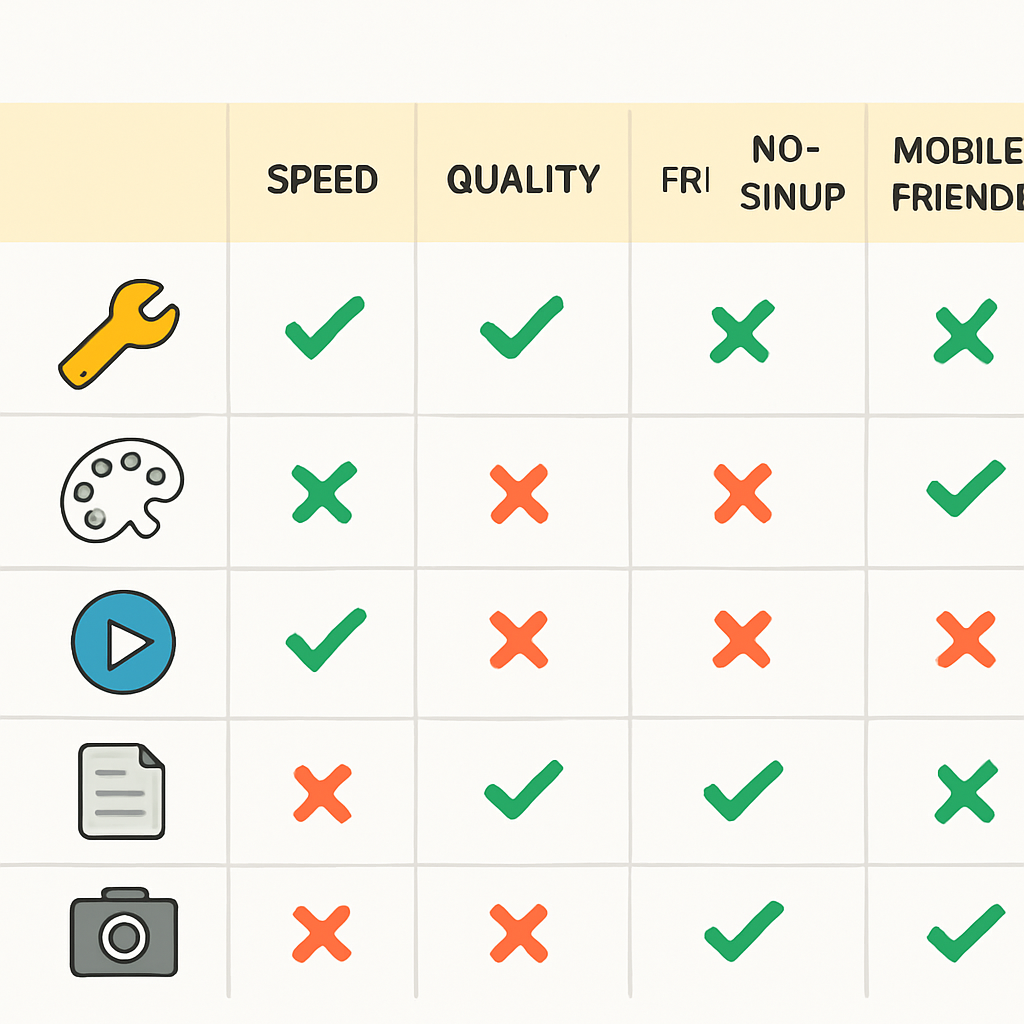
Comparison Table
| Tool | Resolutions | Mobile | No Signup | No Ads | Speed |
|---|---|---|---|---|---|
| getyoutubethumbnaildownloader.com | All 5 | Yes | Yes | Yes | Instant |
| thumbnail.download | All 5 | Yes | Yes | Moderate | Fast |
| thumbnaildown.net | All 5 | Limited | Yes | Heavy | Fast |
| yt thumbnail | 3 | Yes | Yes | Moderate | Fast |
| YouTube API | Programmatic | — | API key | — | Fast |
Why Most Tools Return the Same Results
Every thumbnail downloader tool works by constructing the img.youtube.com/vi/{VIDEO_ID}/{QUALITY}.jpg URLs and presenting them to you. They all access the same content delivery network. The only difference between tools is the experience layer — how the interface looks, how ads are handled, and how the download is triggered.
This means there’s no quality advantage to using one tool over another for the actual image. Choose based on experience, speed, and lack of friction.
Tools to Avoid
Some “thumbnail downloader” sites:
- Require account creation before showing any thumbnails
- Only show one resolution (usually the lower-quality hqdefault, labeled as “HD”)
- Install browser toolbars or extensions during use
- Redirect through multiple ad pages before the download
- Serve malware through fake download buttons (for context on how to spot deceptive download patterns, see Google’s guidance on unwanted software)
If a thumbnail downloader has more than one “Download” button visible on the page and you can’t tell which is real, leave.
Conclusion
The best youtube thumbnail downloader in 2026 for most users is getyoutubethumbnaildownloader.com — it’s fast, clean, shows all resolutions, and works on any device without signup or ads. Use it as your default; the others are fallbacks.
For a related tool category, see YouTube Thumbnail Downloader Chrome Extensions if you prefer a browser extension workflow.