YouTube stores every thumbnail at a completely predictable URL. Once you know the pattern, you can get any YouTube thumbnail link in seconds — no browser extension, no third-party tool, and no account required. This trick has worked reliably since YouTube’s early days and still works perfectly in 2026.
Key Takeaways
- YouTube thumbnails live at
https://img.youtube.com/vi/{VIDEO_ID}/{QUALITY}.jpg - The video ID is the string after
v=in the watch URL, or after the last/in a youtu.be short link - Five quality tiers are available — maxresdefault (1280×720) is the highest
- If maxresdefault doesn’t load, fall back to hqdefault (always available)
- For the fastest experience, a thumbnail downloader tool handles the URL construction for you
What Is the YouTube Thumbnail URL Format?
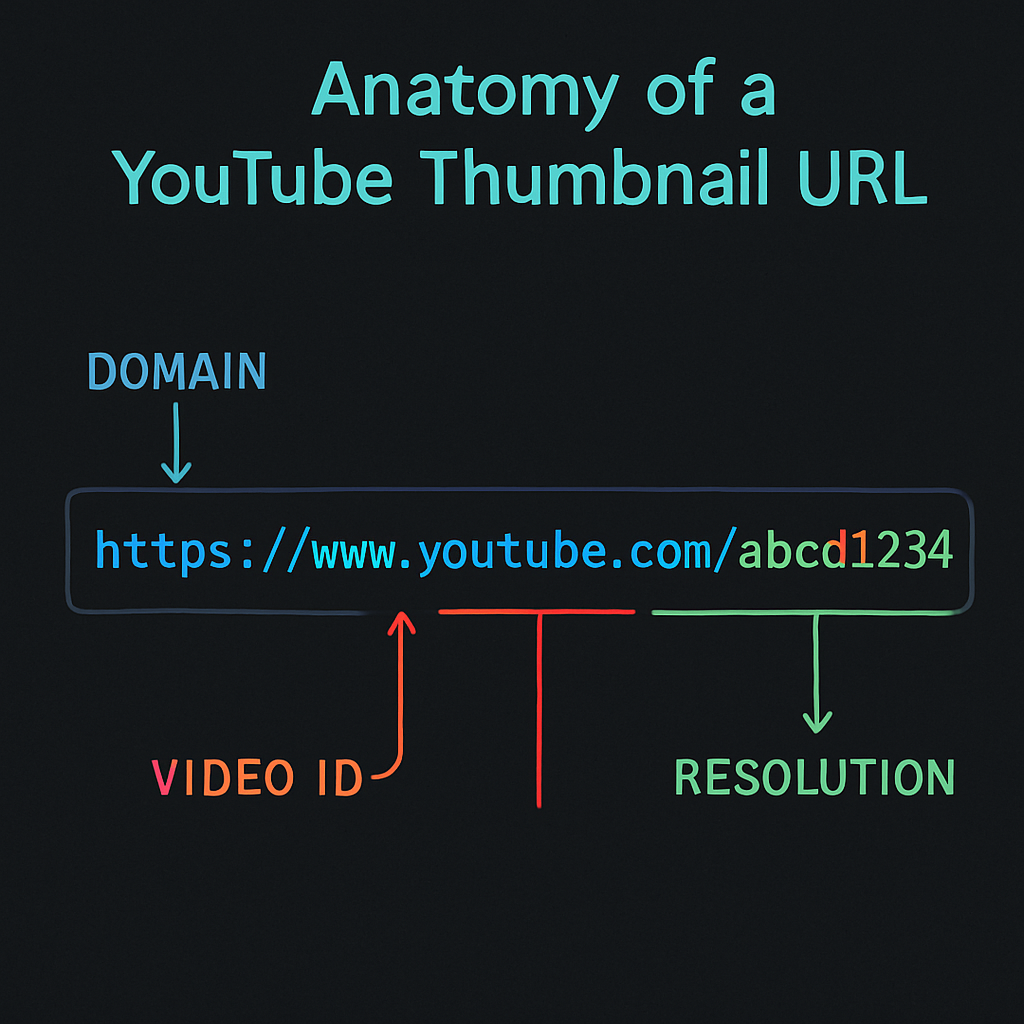
The img.youtube.com thumbnail link format is:
https://img.youtube.com/vi/{VIDEO_ID}/{QUALITY}.jpg
That’s it. Replace {VIDEO_ID} with the actual ID of the video, and {QUALITY} with one of the five quality names below.
How to Find the YouTube Video ID
The youtube video id thumbnail is the string that identifies a specific video. Here’s where to find it in each URL format:
Standard watch URL:
https://www.youtube.com/watch?v=dQw4w9WgXcQ
Video ID: dQw4w9WgXcQ (everything after v=)
Short URL:
https://youtu.be/dQw4w9WgXcQ
Video ID: dQw4w9WgXcQ (everything after the last /)
Shorts URL:
https://www.youtube.com/shorts/dQw4w9WgXcQ
Video ID: dQw4w9WgXcQ (everything after /shorts/)
Embedded URL:
https://www.youtube.com/embed/dQw4w9WgXcQ
Video ID: dQw4w9WgXcQ (everything after /embed/)
The Five Thumbnail Quality Tiers
Once you have the video ID, substitute it into the URL with the quality name:
| Quality Name | Resolution | Notes |
|---|---|---|
maxresdefault.jpg | 1280×720 | Best quality; not always available for older videos |
hqdefault.jpg | 480×360 | High quality; always available |
mqdefault.jpg | 320×180 | Medium quality |
sddefault.jpg | 640×480 | Standard definition |
default.jpg | 120×90 | Lowest; thumbnail thumbnail used in older embeds |
Example URLs for video ID dQw4w9WgXcQ:
https://img.youtube.com/vi/dQw4w9WgXcQ/maxresdefault.jpghttps://img.youtube.com/vi/dQw4w9WgXcQ/hqdefault.jpghttps://img.youtube.com/vi/dQw4w9WgXcQ/mqdefault.jpg
Step-by-Step: Using the URL Trick
- Open the YouTube video page.
- Copy the URL from the address bar.
- Extract the video ID (the part after
v=). - Open a new browser tab.
- Type or paste:
https://img.youtube.com/vi/followed by the video ID, followed by/maxresdefault.jpg - Press Enter — the thumbnail image loads directly in the browser.
- Right-click the image and select Save image as to download it.
If the maxresdefault version returns a small placeholder image (120×90 black image), the video doesn’t have that resolution. Try hqdefault instead.
The HTTPS vs HTTP Difference
Both http://img.youtube.com and https://img.youtube.com work, but always use the HTTPS version. Some older tutorials show the HTTP format — it still works, but HTTPS is the correct, secure version to use in 2026. Embedding an HTTP image URL on an HTTPS page triggers mixed content warnings in modern browsers.
Using the youtube thumbnail link in Websites and Apps
The img.youtube.com URLs are publicly accessible CDN URLs. You can use them directly:
- In an
<img>tag on a web page - In a Markdown document:
 - In a Google Docs or Notion insert-from-URL field
- In any app that accepts a direct image URL
Note: These URLs can change if YouTube updates their CDN structure, so for production apps, it’s safer to use the YouTube Data API thumbnails resource which returns confirmed URLs. (We have a longer guide on the YouTube thumbnail API for developers if you want a walkthrough.)
When the URL Trick Falls Short
The direct URL method works great for one-off lookups. But it has limitations:
- You need to manually extract the video ID each time
- You have to remember the five quality names
- You can’t preview all resolutions at once
- YouTube Shorts IDs look identical to regular video IDs, which can be confusing
For a faster workflow — especially if you’re downloading thumbnails regularly — the YouTube Thumbnail Downloader does all of this automatically: paste the URL, see all resolutions in one view, click to download.
HTTPS Thumbnail URLs for YouTube Shorts
YouTube Shorts use the same img.youtube.com URL format. A Shorts video with ID abc123xyz would have its thumbnail at:
https://img.youtube.com/vi/abc123xyz/hqdefault.jpg
The only difference is that Shorts often have vertical thumbnail crops displayed in the Shorts feed, but the image stored at the URL is the standard 480×360 version. Learn more about how to save YouTube Shorts thumbnails.
Summary
The YouTube thumbnail URL trick is one of the most practical pieces of knowledge for anyone who works with YouTube content. The pattern img.youtube.com/vi/{ID}/{QUALITY}.jpg unlocks every thumbnail on the platform without any tools. For regular use, a dedicated thumbnail downloader saves the extra steps and makes it faster.
For a comprehensive look at all methods to get YouTube thumbnails, read How to Download YouTube Thumbnails: 5 Free Methods.