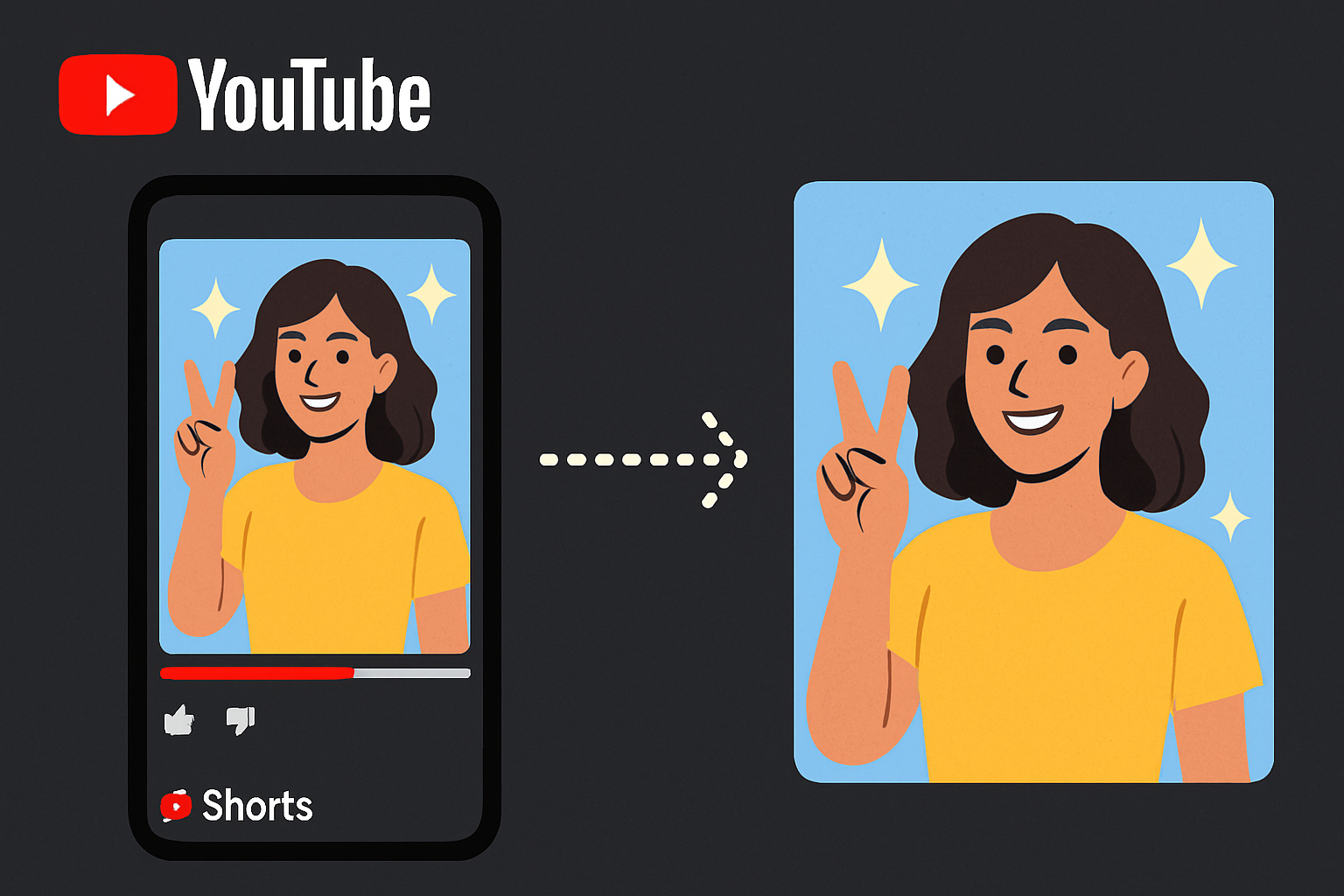
YouTube Shorts has grown into one of the most-watched video formats in 2026, with over 70 billion daily views according to YouTube’s own data on the Shorts surface. If you need to download youtube shorts thumbnail images — for design research, content inspiration, or archiving — the process is nearly identical to regular YouTube videos. This guide explains exactly how to do it and what to expect in terms of quality.
Key Takeaways
- YouTube Shorts thumbnails use the same
img.youtube.comCDN as regular videos - The youtube shorts thumbnail download process works with any YouTube thumbnail tool
- Shorts often don’t have a
maxresdefaultversion —hqdefault(480×360) is usually the highest available - You can save shorts thumbnail images on desktop, iPhone, and Android
- The shorts thumbnail grabber approach works on all browsers without any app or extension
How YouTube Shorts Thumbnails Differ From Regular Thumbnails
From a technical standpoint, Shorts are still YouTube videos with standard video IDs. Their thumbnails use the exact same URL format:
https://img.youtube.com/vi/{VIDEO_ID}/hqdefault.jpg
The key differences:
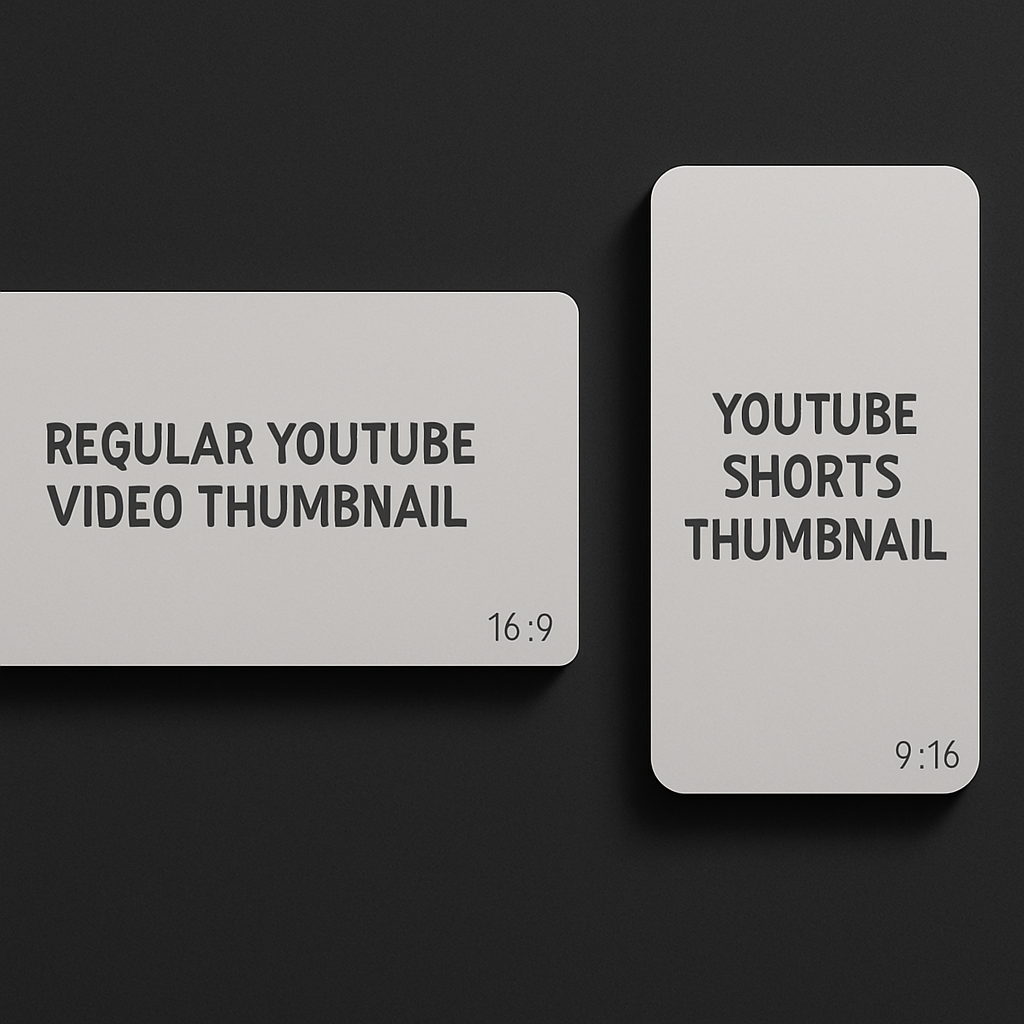
- Aspect ratio: Shorts are filmed vertically (9:16), but the stored thumbnail is often a horizontal crop or a center-cropped version from the video
- Resolution: Shorts frequently lack a
maxresdefault.jpg— if you request it, you’ll get a small placeholder image.hqdefault(480×360) is your best bet - Custom thumbnails: Many Shorts creators do add custom thumbnails, especially for Shorts that appear in regular search results — see YouTube’s official guide on adding custom video thumbnails
Method 1: Use a Thumbnail Downloader (Fastest)
- Open the YouTube Shorts video you want.
- Copy the URL from the address bar or share menu.
- Shorts URLs look like:
https://www.youtube.com/shorts/dQw4w9WgXcQ - Or shortened:
https://youtube.com/shorts/dQw4w9WgXcQ
- Shorts URLs look like:
- Go to getyoutubethumbnaildownloader.com.
- Paste the URL and click Grab Thumbnails.
- The tool shows all available resolutions — select the highest one available.
- Click to download.
The tool accepts Shorts URLs natively — you don’t need to modify the URL or extract the video ID yourself.
Method 2: Direct URL (Advanced Users)
If you want to access the thumbnail without any tool — useful if you’re scripting downloads or following YouTube’s Data API thumbnail conventions:
- Find the Shorts video ID. For
https://youtube.com/shorts/abc123xyz, the ID isabc123xyz. - Try maxresdefault first:
https://img.youtube.com/vi/abc123xyz/maxresdefault.jpg - If you get a tiny placeholder, use hqdefault:
https://img.youtube.com/vi/abc123xyz/hqdefault.jpg - Open in browser, right-click (desktop) or long-press (mobile), and save.
Why Shorts Thumbnails May Be Lower Quality
Several factors affect Shorts thumbnail quality in 2026:
1. Auto-generated thumbnails: Many Shorts use YouTube’s auto-selected frame as the thumbnail. These are pulled from the video stream, often at a compressed quality.
2. Missing maxresdefault: Shorts uploaded before 2023 frequently only have hqdefault available. The tool or direct URL test will confirm what’s available — you can also script this with a HEAD fetch and image-dimension check.
3. Vertical crop issue: When a Shorts creator doesn’t upload a custom thumbnail, YouTube auto-generates one by taking a frame from the video. The stored thumbnail may have black bars or appear cropped differently than what you see in the Shorts feed.
Getting the Best Possible Quality
To get the highest quality version of a Shorts thumbnail:
- Start with
maxresdefault.jpg— if it loads at 1280×720, that’s the best available - If maxresdefault returns a 120×90 placeholder, use
hqdefault.jpgat 480×360 - For very new Shorts (uploaded within the last few hours), thumbnails may still be processing — wait 10-15 minutes and try again
Saving Shorts Thumbnails on Mobile
The mobile process is the same as for regular YouTube thumbnails:
On iPhone:
- Copy the Shorts URL.
- Open Safari and go to the thumbnail downloader.
- Paste URL, grab thumbnails, open the image in a new tab.
- Long-press the image and tap “Add to Photos.”
On Android:
- Copy the Shorts URL.
- Open Chrome and go to the thumbnail downloader.
- Paste URL, grab thumbnails, tap the resolution you want.
- Long-press the image and tap “Save image.”
For detailed mobile instructions, see how to download thumbnails on iPhone and how to download on Android.
Understanding Shorts Thumbnail Specs
For context on why Shorts thumbnails look different from regular video thumbnails, it helps to know the specs:
- Regular YouTube videos: 1280×720 (16:9 aspect ratio)
- YouTube Shorts: 9:16 aspect ratio natively, but the stored thumbnail image is often 480×360 or 1280×720 — not the vertical format
- When YouTube displays Shorts in the Shorts feed, it crops the thumbnail to a vertical display
See the full YouTube Shorts thumbnail size specs guide for a detailed breakdown of dimensions and recommendations.
Common Uses for Downloading Shorts Thumbnails
- Design research: Analyzing what thumbnail styles perform well in your niche
- Content archiving: Saving thumbnails before a video or channel is deleted
- Competitive analysis: Looking at how top creators in your category brand their Shorts
- Reposting with permission: If you have the creator’s consent, you may need the thumbnail for cross-platform sharing
Conclusion
Saving YouTube Shorts thumbnails is just as easy as downloading thumbnails for regular videos. The YouTube Thumbnail Downloader handles Shorts URLs automatically — paste the URL, see what’s available, download the best quality. On most Shorts, hqdefault (480×360) will be your best option since maxresdefault is often unavailable.
For a full reference on Shorts thumbnail specifications, visit the YouTube Shorts Thumbnail Size and Specs guide.