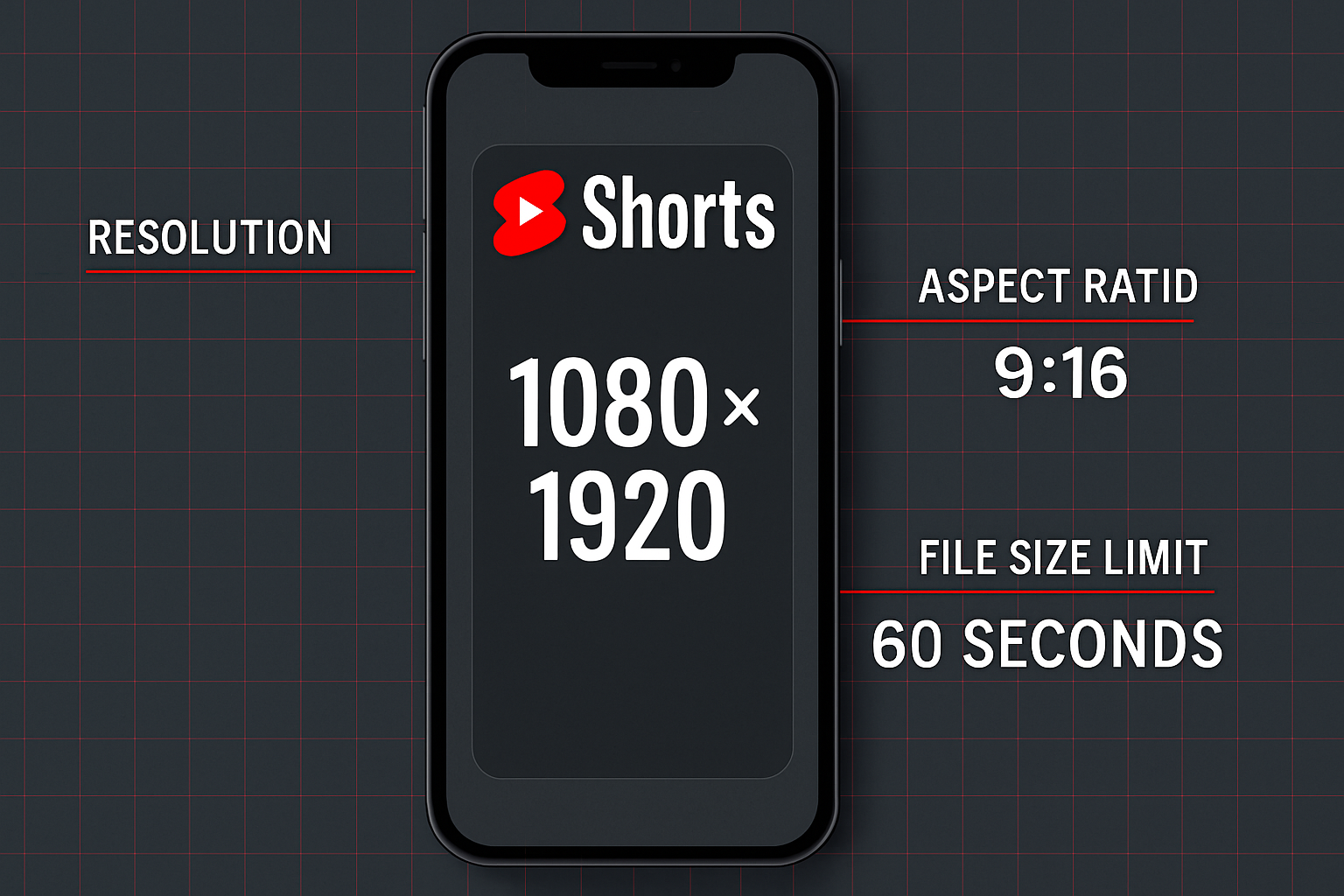
YouTube Shorts have unique thumbnail requirements that differ significantly from regular YouTube videos. In 2026, Shorts are displayed primarily in a vertical feed, which means the standard 16:9 thumbnail design advice doesn’t fully apply. This guide covers the correct youtube shorts thumbnail size, how to upload one, and what to expect.
Key Takeaways
- YouTube Shorts display thumbnails at a 9:16 vertical ratio in the Shorts feed
- The recommended upload size for a Shorts thumbnail is 1080×1920 pixels (9:16)
- YouTube also accepts 16:9 thumbnails for Shorts — it will crop the center for the vertical display
- Maximum file size: 2MB (same as regular thumbnails)
- Accepted formats: JPG, PNG, WebP
- The shorts thumbnail dimensions spec is still evolving as YouTube updates its interface
The Core Challenge With Shorts Thumbnails
Regular YouTube videos and Shorts use different display contexts:
Regular videos: Displayed in 16:9 horizontal format across all YouTube surfaces.
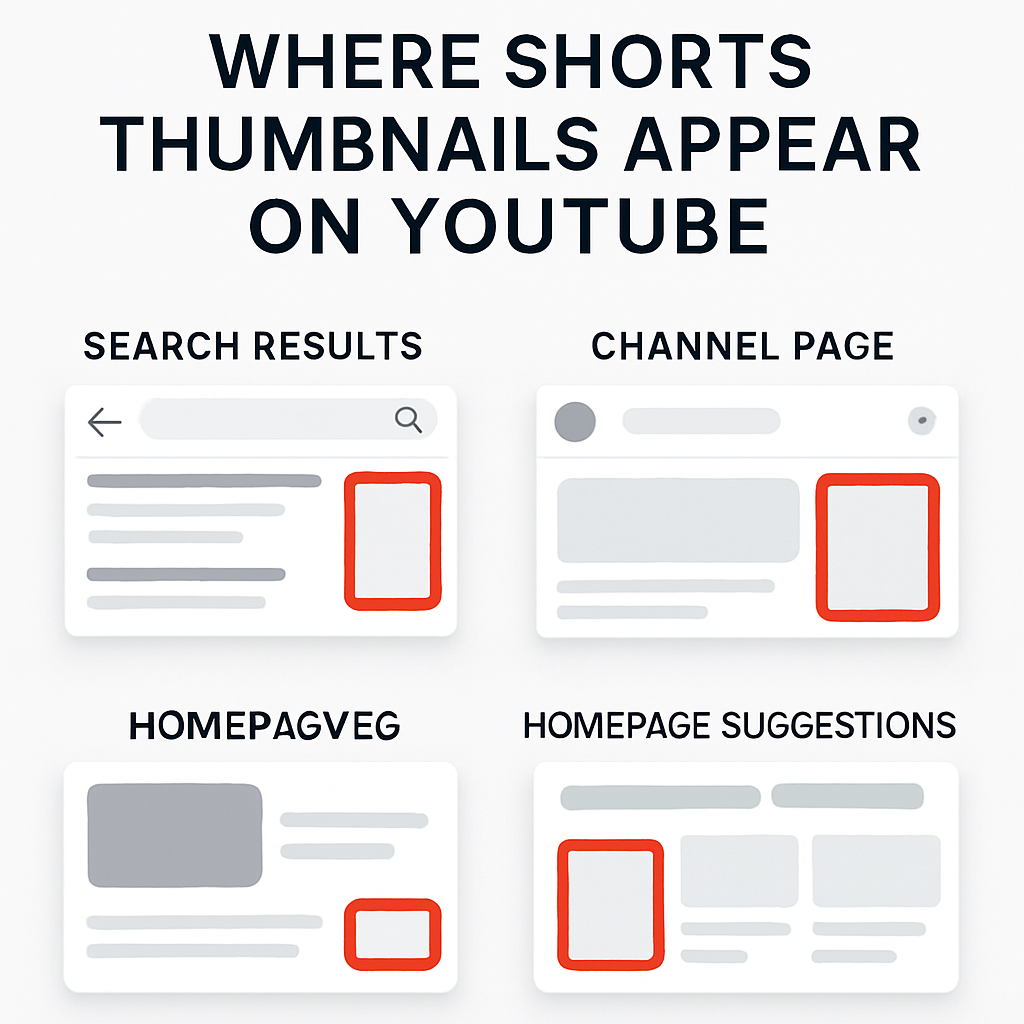
Shorts: Displayed in 9:16 vertical format in the Shorts feed, but in 16:9 format when they appear in search results, recommendations, or regular video feeds.
This dual-display behavior means your Shorts thumbnail needs to work in both orientations — or you need to prioritize one over the other.
Recommended YouTube Shorts Thumbnail Dimensions
For Shorts-optimized thumbnails:
- Width: 1080 pixels
- Height: 1920 pixels
- Aspect ratio: 9:16
- File size: Under 2MB
- Format: JPG or PNG
For universal compatibility (if you want the thumbnail to work well in both Shorts and search):
- Width: 1280 pixels
- Height: 720 pixels
- Aspect ratio: 16:9
- Design so the center portion of the image is the most important part
How YouTube Crops Thumbnails for the Shorts Feed
When you upload a 16:9 thumbnail for a Short, YouTube’s algorithm crops the center of the image to create the 9:16 vertical display. The crop takes the middle portion of your 1280×720 image:
- From a 1280×720 image, YouTube extracts a 405×720 center crop
- This center crop is then scaled up or displayed at the 9:16 ratio
If your 16:9 thumbnail has faces, text, or key visuals in the far left or right thirds of the image, they will be cropped out in the Shorts feed display.
How to Upload a Custom Thumbnail for YouTube Shorts
- Open YouTube Studio (studio.youtube.com).
- Click Content in the left sidebar.
- Find the Short and click the pencil/edit icon.
- In the Details tab, scroll to the Thumbnail section.
- Click Upload thumbnail and select your image file.
- Click Save.
Note: YouTube didn’t support custom Shorts thumbnails until late 2023. If you’re having trouble, see Why Can’t I Change My YouTube Shorts Thumbnail.
9:16 thumbnail: Best Design Practices for Shorts
Since the Shorts feed is vertical, here’s how to design effectively:
Use vertical-first composition:
- Place faces and text in the upper two-thirds of a 9:16 image
- Leave breathing room at the bottom (Shorts UI overlays controls there)
- Avoid horizontal split designs — they don’t translate well to vertical
Keep text minimal and large:
- Text needs to be legible at a 390px wide phone display
- Use a maximum of 3-5 words, minimum 48pt equivalent font size
- High-contrast text (white on dark or dark on white) reads best
Safe zone for Shorts:
- Leave at least 150px from the top (YouTube’s Shorts title overlay)
- Leave at least 200px from the bottom (like button, comment, and share controls)
- Keep critical content within the central 780×1480 pixel area (from a 1080×1920 base)
youtube shorts thumbnail specs: What YouTube Actually Accepts
Testing in 2026 confirms YouTube accepts:
- Any image between 640px and 3840px wide
- Any aspect ratio (it will be adapted for display)
- JPG, PNG, WebP formats
- Files under 2MB
The most reliable approach is to upload at exactly 1080×1920 for a native Shorts thumbnail, or 1280×720 if you want the same thumbnail to work well in both Shorts and regular search contexts.
Comparing Shorts vs Regular Thumbnail Specs
| Specification | Regular Video | YouTube Shorts |
|---|---|---|
| Recommended size | 1280×720 | 1080×1920 (or 1280×720) |
| Aspect ratio | 16:9 | 9:16 in Shorts feed, 16:9 elsewhere |
| File size limit | 2MB | 2MB |
| Accepted formats | JPG, PNG, GIF, BMP, WebP | JPG, PNG, WebP |
| Auto-generated thumbnail | Yes (frame from video) | Yes (frame from video) |
Downloading Shorts Thumbnails at the Right Size
If you want to see what a creator uploaded as their Shorts thumbnail, the YouTube Thumbnail Downloader fetches the stored thumbnail. For Shorts, this is often hqdefault.jpg at 480×360 — since many Shorts were uploaded before custom thumbnail support rolled out, and auto-generated thumbnails are stored in standard sizes.
To understand all the sizes available when you download, see the complete guide to saving YouTube Shorts thumbnails.
Conclusion
The ideal YouTube Shorts thumbnail size in 2026 is 1080×1920 pixels (9:16) for Shorts-feed optimization, or 1280×720 (16:9) for universal compatibility. Keep critical content in the center 50-60% of your image to survive the automatic crops. For a comprehensive reference covering both Shorts and regular video thumbnails, see the YouTube Thumbnail Size Guide.